
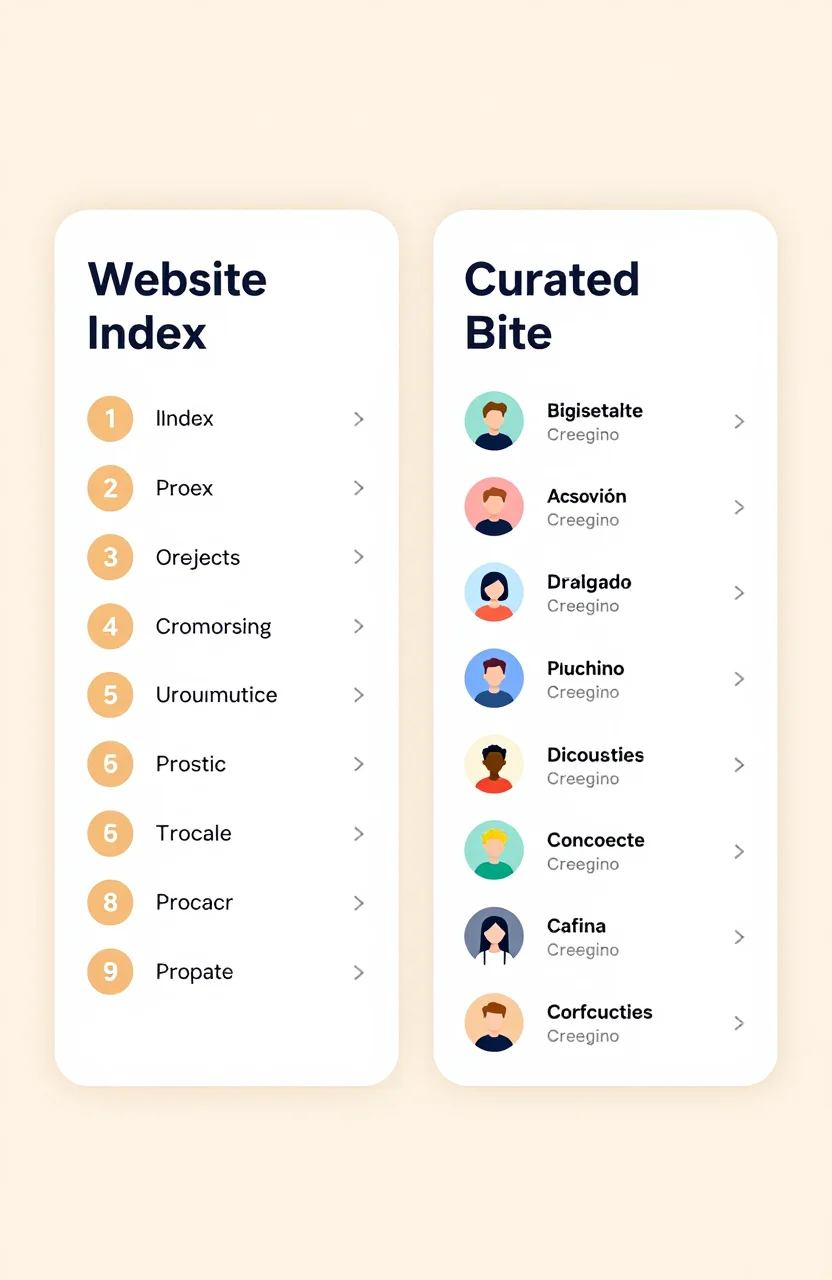
Buyers do not argue about taxonomy for fun. They arrive with a job: find a site, a tool, or a project worth opening. The label on the catalog shapes what they expect to see. "Website list" hints at a broad index of domains. "Project directory" hints at curated products and launches. If your page title says one thing and the cards show another, trust drops before the first click.
This article unpacks what buyers expect from each naming pattern, how to choose language for your own listing, and how directories can set clearer expectations. Browse live examples in the directory, then decide how you want your project positioned when you sign up.
What "website list" signals to a buyer
A website list sounds inclusive and utilitarian. Buyers expect volume, simple categories, and a fast way to jump to a homepage. They often look for blogs, local businesses, resources, or general web presence. The mental model is closer to an index than to a product gallery.
Because of that, buyers forgive thinner descriptions if navigation is strong. They get impatient when every entry looks like a half-finished SaaS pitch. If you submit a deep product with pricing tiers into a pure "list of websites" frame, rewrite the first line to lead with what the site is, then what it sells.
Website-list expectations also include freshness cues: last updated dates, working links, and fewer dead cards. A list full of 404s teaches buyers to bounce permanently.
Search behavior follows the label too. People typing "list of websites for..." often want breadth and examples. They may open many tabs quickly. Your entry should survive that rapid triage with a plain topic line, not a mysterious brand-only title.
What "project directory" signals to a buyer
Project directory language pulls the buyer toward makers, startups, and tools. They expect a name, a short value proposition, a category such as AI or productivity, and a path to try the product. Screenshots and tags feel normal here. Editorial ranking or "featured" slots feel normal too.
Buyers in this frame compare alternatives. They ask who it is for, what is free, and whether the project still looks alive. A bare domain with no description underperforms even if the underlying product is strong. Your listing must behave like a mini product card, not a bookmark.
If you are choosing where to invest submission time for a SaaS, project-directory style catalogs usually match intent better than generic website indexes. For platform selection by product type, see our SaaS directory strategy for 2026.
Project-directory buyers also notice social proof lightly: a launch date, a small user count, or a crisp "used by freelancers" line. Keep proof modest and true. Inflated claims age badly when the product page tells a quieter story.
Where buyer expectations collide
Confusion starts when a brand mixes labels: homepage says "website list," onboarding says "submit your project," and category pages look like a software marketplace. Buyers then mis-click. A teacher looking for classroom websites lands on AI wrappers. A founder looking for AI tools lands on brochure sites.
As a submitter, you cannot rewrite someone else's information architecture. You can still reduce friction:
- Match your title and description to the catalog's dominant pattern.
- Choose the category buyers of your product already filter by.
- Send traffic to a landing page that continues the same story.
- Avoid hype that fights the calm tone of surrounding listings.
When you evaluate a new catalog yourself, ignore the trademark styling and read five random cards. If those cards look like products, write like a product. If they look like bookmarks, write like a clear website entry.
How to name and describe your entry either way
For website-list contexts, lead with the site type and topic: "Independent weather alerts for coastal cities" beats a vague brand coinage alone. For project-directory contexts, lead with outcome plus audience: "Uptime alerts for indie SaaS teams" tells a scanner whether to click.
Keep spelling of your brand stable across every catalog. Buyers who saw you on one platform should recognize you on the next. If you maintain both a marketing site and an app subdomain, pick one canonical destination for listings unless a catalog asks for the app URL specifically.
Trust cues buyers notice
Working HTTPS, a clear primary CTA, and a description free of spammy keyword stacks matter in both frames. Project-directory buyers additionally look for version signals: "v2," "open beta," or a recent changelog mention can reassure them the project is maintained. Website-list buyers care more that the link resolves and the topic matches the category.
In either frame, avoid bait titles that promise a free tool when the destination is a sales call form. Mismatch creates chargebacks of attention: people remember being tricked longer than they remember your feature list.
Practical checklist before you submit
Ask four questions. Who will browse this catalog tomorrow? Do they want websites or products? Does my first sentence match that want? Does my destination page confirm it in under five seconds? If any answer is shaky, revise before you spend the submission slot.
Then publish where the frame fits. WebProjectList is built around web projects with discovery in mind, which is why the public directory reads like a project catalog rather than a raw dump of domains. Use that to your advantage: write a project-style card, keep it updated, and only then expand to wider lists such as those covered in our free directories guide when you need extra coverage.
If you maintain listings in both styles of catalog, keep two description variants in a note. Swap the lead sentence, keep the facts identical, and you will sound native in each place without inventing conflicting claims.
Buyers translate names into expectations. Website list suggests an index of domains. Project directory suggests curated products with benefits and categories. Align your copy with the frame in front of you, send people to a matching landing page, and you will earn cleaner clicks than rivals who reuse one blurry blurb everywhere.