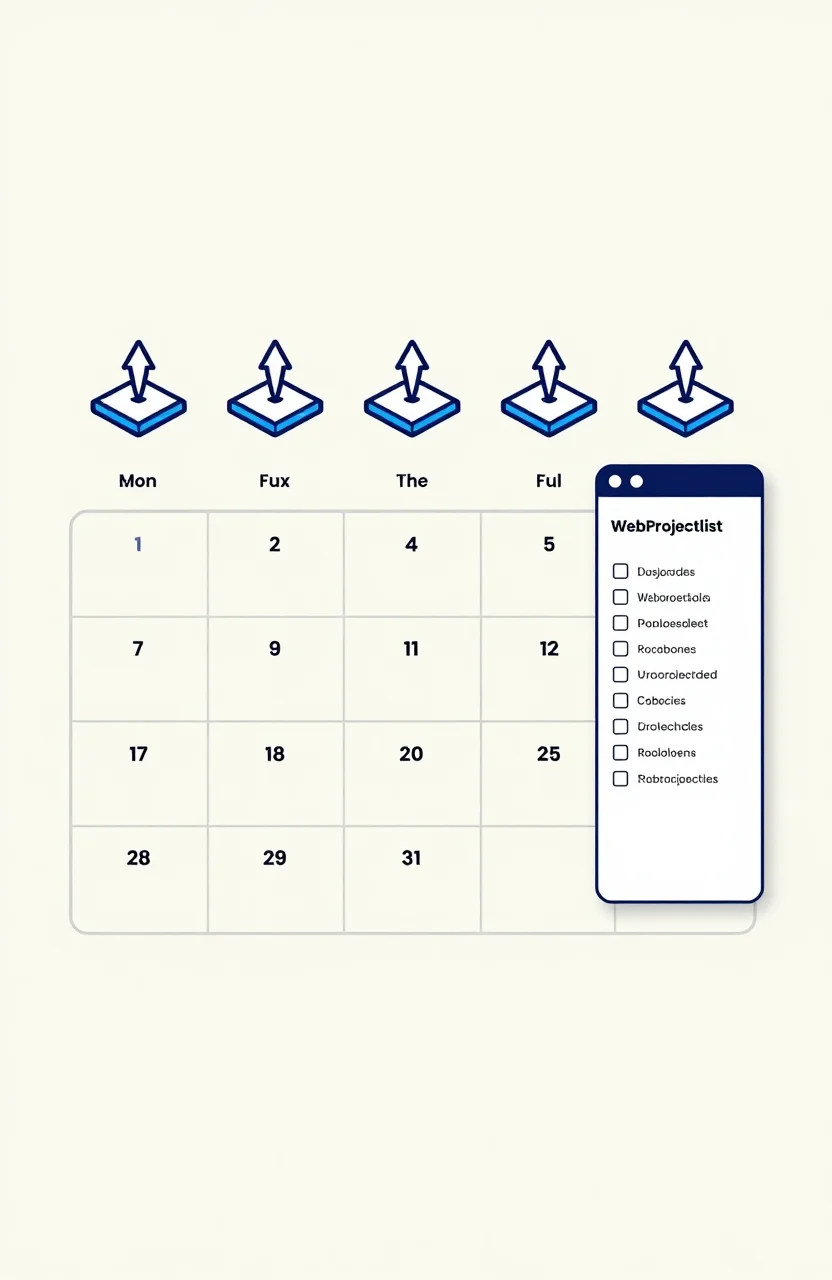
One launch day is not a growth strategy. Product Hunt can light up a Tuesday and go quiet by Thursday. A launch calendar spreads visibility across weeks so you are not betting the quarter on a single upvote window. The calendar only works if something permanent sits under the spikes. That permanent piece is a WebProjectList listing: dofollow-backed, category-browsable, and still sending founders after the launch thread scrolls away.
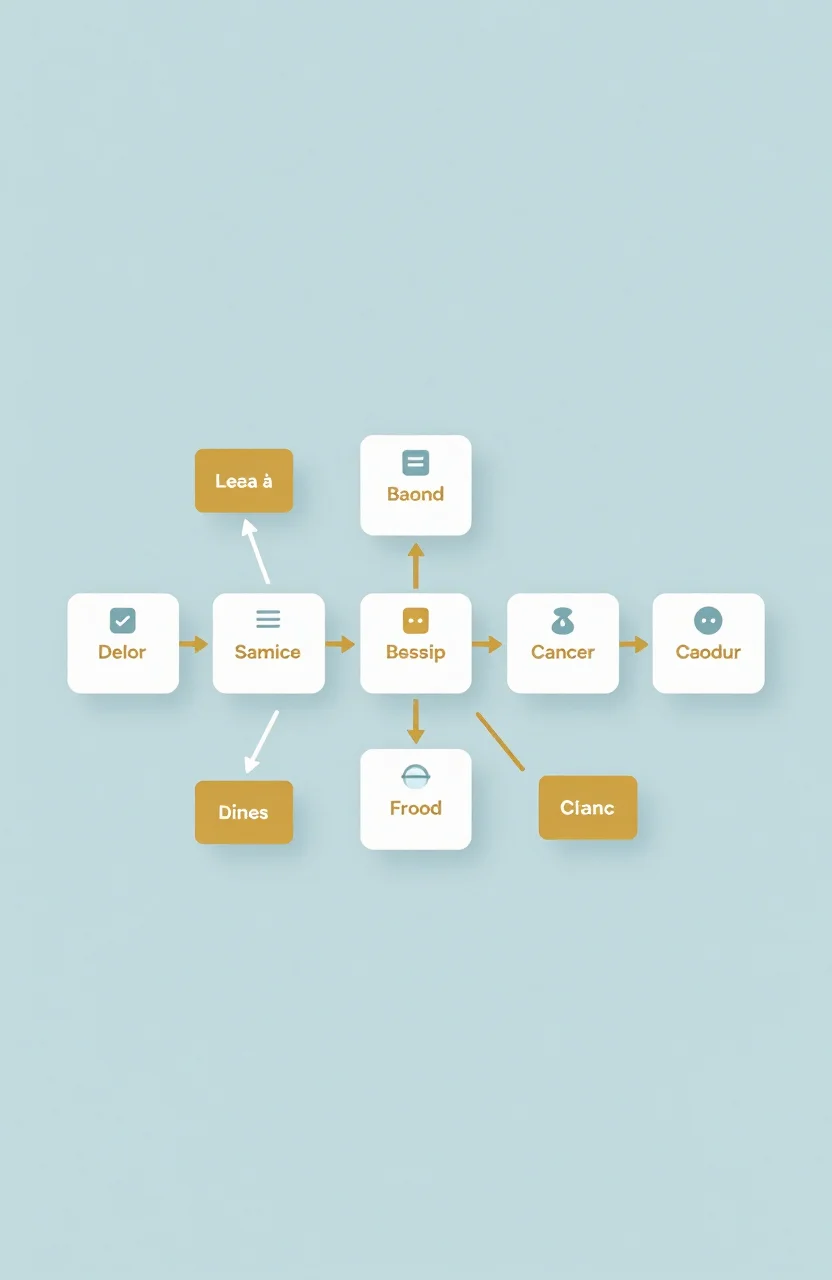
Think of the month as four jobs, not four random posts. Week one builds the always-on base. Week two takes the loud stage. Week three reaches niche and technical audiences. Week four turns community feedback into product and follow-up. Miss the base and every later week feels like starting from zero.
Week one: plant the always-on base
Create the WebProjectList listing before you schedule anything noisy. Write a one-line job description a stranger can understand, pick the category buyers actually browse, and make sure the live site loads fast with a free tier or demo ready. The listing is your floor. Unlike timed platforms, it does not expire when the algorithm moves on.
Use week one for small supporting directories too, but keep the list short. Two niche lists that match your audience beat ten spammy submissions. If you need a tight submission block, borrow the cadence from the 20-minute directory submission routine and stop when quality drops. Browse the directory while you write so your copy matches how strong projects present themselves.
Week one is also product readiness week. A launch amplifies what is already there. Broken signup flows and slow pages turn launch-day curiosity into permanent bounce. Fix the path to value before you ask strangers to care. The calendar cannot rescue a demo that fails under traffic.
Write the assets you will reuse later while the week is still calm: a short founder story, three screenshots, and a FAQ that answers pricing, data, and setup. Those pieces feed Product Hunt, Show HN, and your newsletter without another scramble. Save the one-liner you used on WebProjectList and keep it consistent across platforms so buyers do not meet three different products with the same logo.
Week two: run the big launch without burning it
Product Hunt belongs here for polished tools with a clear story. Prep a first comment that explains the problem you solved, not a feature dump. Reply all day. Aim for a strong showing, but measure success in signups and activated users, not only upvotes. The link is often nofollow. The lasting value comes from press mentions, newsletter roundups, and users who stick.
Do not burn the big day on a half-ready beta. If you are still waitlisting, stay in week-three territory instead. Matching platform to stage prevents the classic mistake: spending your one loud moment before the product can catch the people who arrive. Keep WebProjectList updated the same week so new visitors who find you later still land on accurate copy.
For the wider platform map around launches and niche lists, SaaS directory strategy helps you separate launch traffic, credibility lists, and niche discovery without treating every site as equal.
Week three: niche push and technical audiences
BetaList fits pre-launch products that need early adopters. Show HN fits tools with a technical angle worth debating. Each crowd wants a different story. Beta users want access and honesty about rough edges. HN readers want substance, a deep dive, or something they can inspect. Prepare both assets in advance so the day is about conversation, not scrambling for screenshots.
Week three extends the visibility window past day one. People who missed Product Hunt still discover you in a quieter feed. Capture emails. Invite feedback. Update the WebProjectList description with what you learned so the permanent listing reflects the product that actually shipped, not the pitch you wrote three weeks earlier.
If a platform rejects you, fix the cause and resubmit or move on. A rejection is data, not a verdict on the whole calendar. Keep the base listing live either way.
Give yourself a quiet day between week two and week three when you can. Launch fatigue is real, and tired replies convert worse than a delayed niche post with energy behind it. Use the gap to fix onboarding friction you spotted in launch comments, then push the niche channels with a product that already absorbed the first wave of feedback.
Week four: communities, reuse, and measurement
Share the journey in Indie Hackers and niche communities. Help first, link second. Profile links are often dofollow, and the feedback loop improves the product while you promote it. Turn a strong first comment into a blog post. Turn a Show HN thread into a FAQ. Launch assets that die in the original thread are half-used.
Measure beyond vanity. Log platform, date, visitors, signups, and links earned. WebProjectList's steady referrals form the baseline row. Launches form the spikes. After two months the log shows which stages fit your product. Track directory referrals properly with the habits in how to track referral traffic from directory listings, and glance at the leaderboard when you want rhythm ideas from projects that keep showing up.
When a launch week eats everything, lower the bar instead of deleting the calendar. A listing refresh and one community reply keep the system alive. Consistency beats intensity for discovery that lasts.
Keep the calendar as a system, not a one-off sprint
The value of a launch calendar is continuity. WebProjectList is the showcase constant that holds the weeks together while louder platforms come and go. Review the listing after every launch. Update the category if the job changed. Add a coupon only when it removes a real decision friction, not when you feel like discounting out of panic.
Sequence matters more than volume. Warm up with permanent discovery, then stage one loud day, then niche and community layers. Founders who reverse that order often arrive on launch day with no floor underneath the spike. For the free-link side of the same plan, read the free backlink opportunities guide and the dofollow backlink guide so you know which wins are permanent and which are temporary attention.
Ship the calendar once, then reuse it. Next launch becomes an edit, not a reinvention. Put the next date on the calendar before the current month ends so discovery stays a habit instead of a panic. The apps that keep getting found are rarely the ones that shouted loudest on a single morning. They are the ones that kept a permanent WebProjectList listing honest while they staged the noise on purpose, then came back a quarter later with a sharper story and the same reliable floor underneath it.